

Find your reports
Click Reports in the sidebar. The list shows each report with its name and Date, newest first.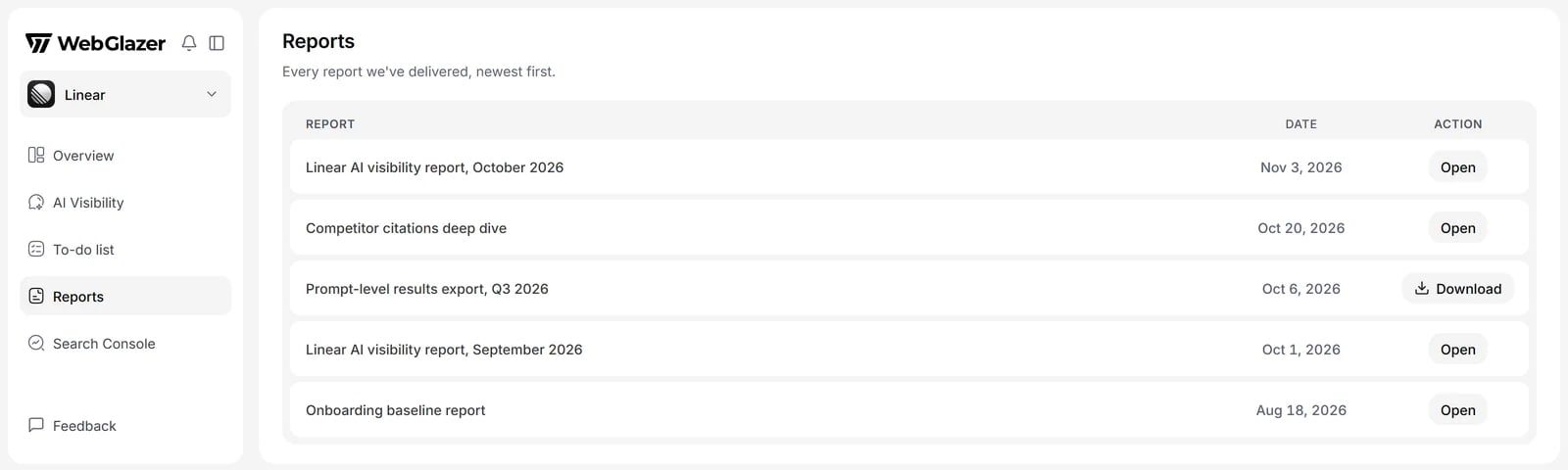
Illustration with sample data
Open a report
Click Open on a report. It opens on its own page inside the dashboard.- Answers in the report link to the prompt they came from. Clicking one opens that prompt in AI Visibility > Prompts in a new tab, on the engine that gave the answer.
- Click Back to reports to return to the list.
Download a report
On an open report, click Download to save it as an HTML file you can send to anyone.The downloaded file keeps the numbers but leaves out the AI answers and the links back into the dashboard. Those parts only work for people who can sign in to your WebGlazer account.